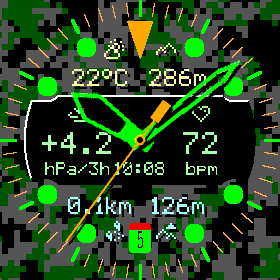
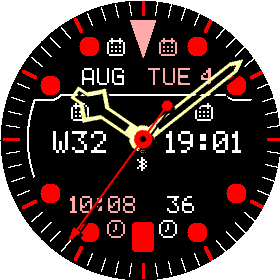
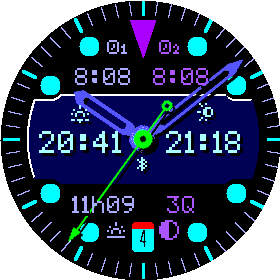
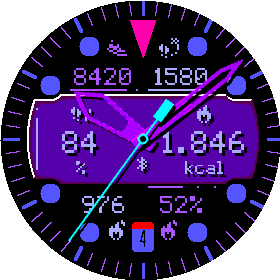
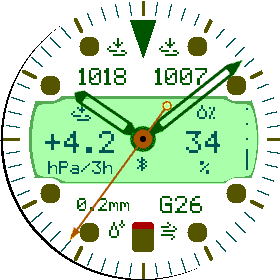
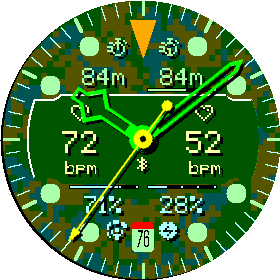
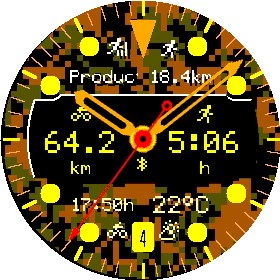
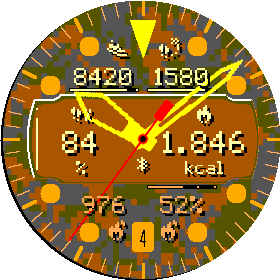
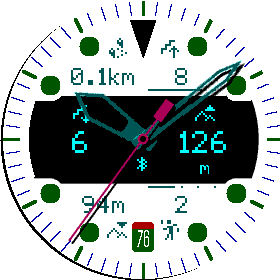
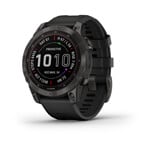
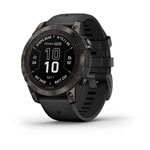
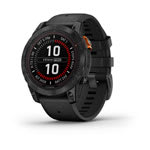
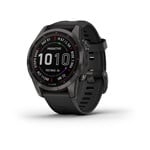
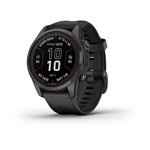
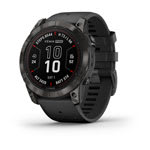
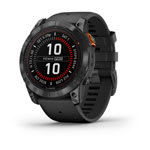
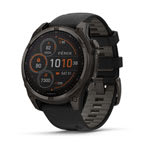
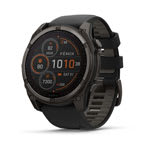
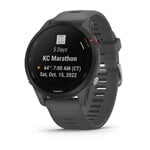
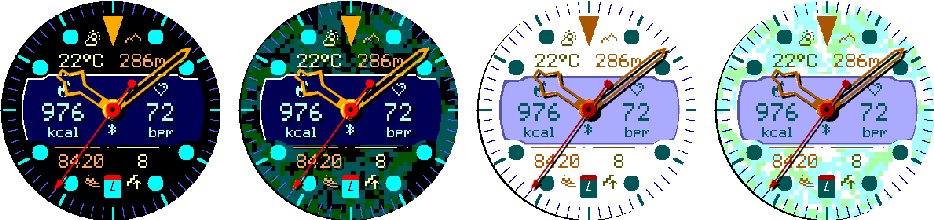
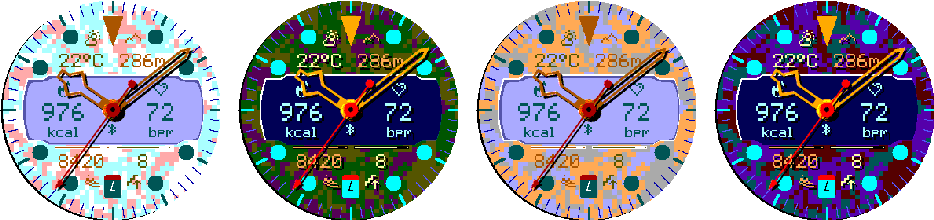
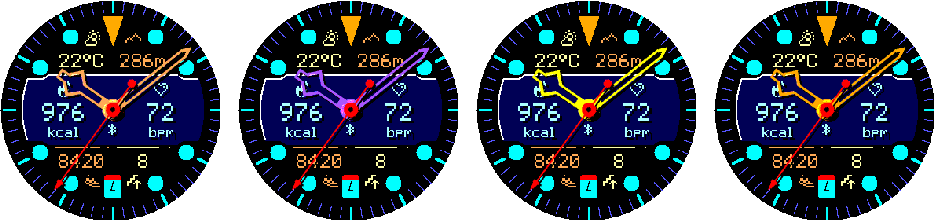
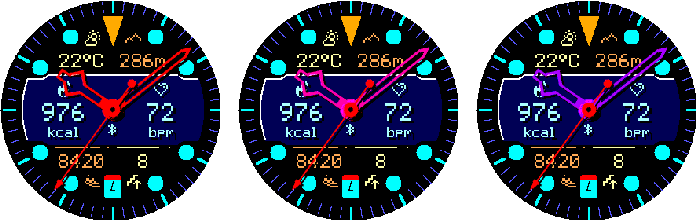
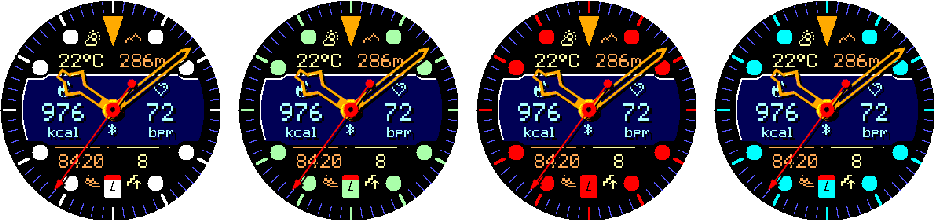
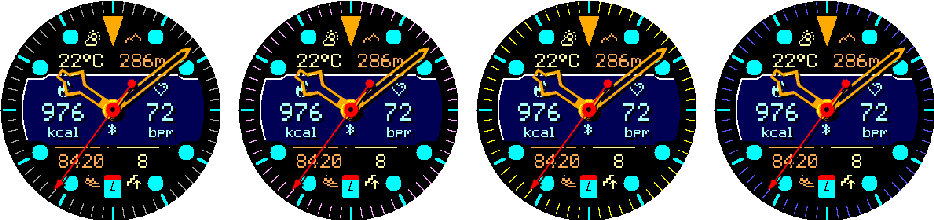
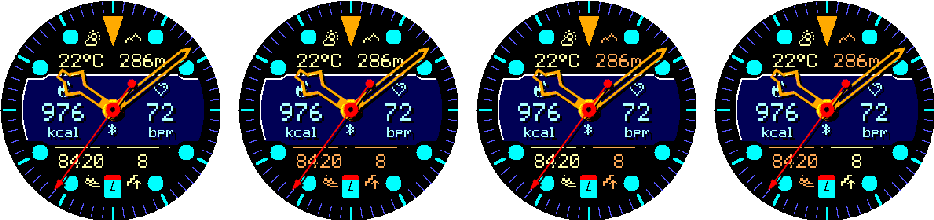
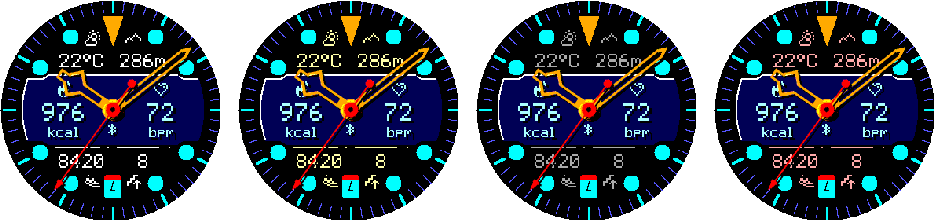
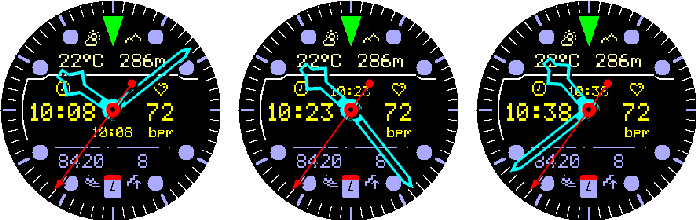
A premium analog watch face with aviation-inspired styling and a distinctive retro digital display. Customize six data fields with more than 60 health, activity, training, weather, astronomical, and system metrics, then fine-tune the colors, hands, markers, layout, background, touch shortcuts, and Always-On Display. Built for smooth, efficient performance without compromising on information or personality.
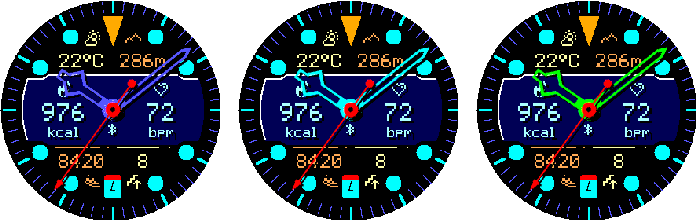
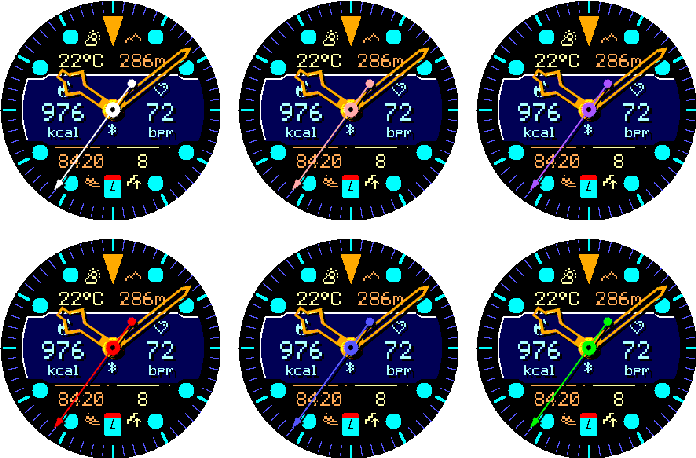
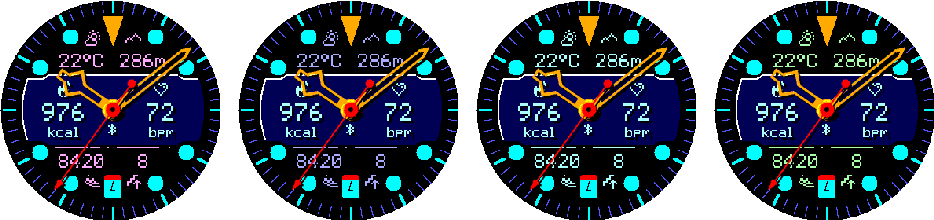
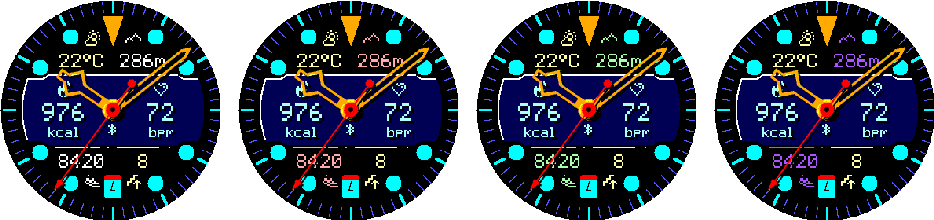
Sets the second color used by non-uniform outer layouts.
10 colors available.
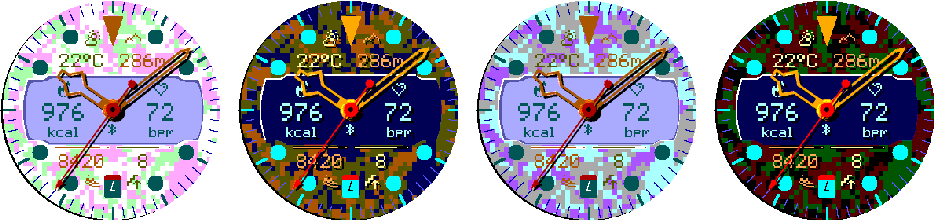
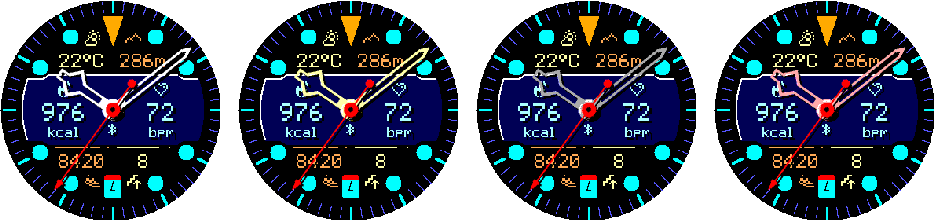
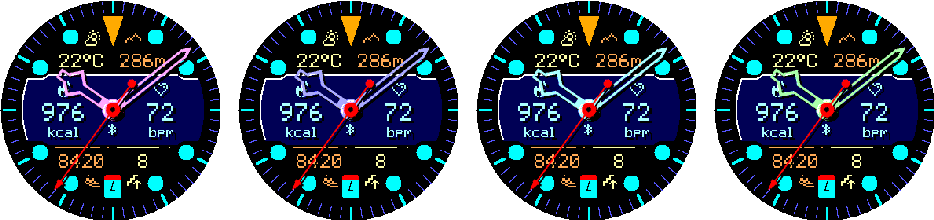
Fig. 1.29 — Representative secondary colors.
1.18
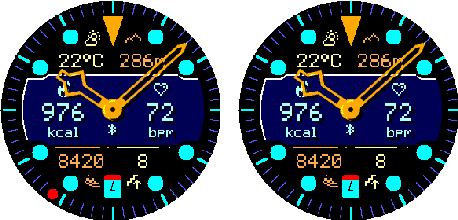
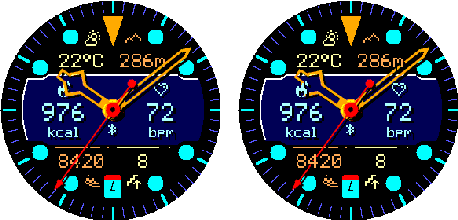
Data Layer Position
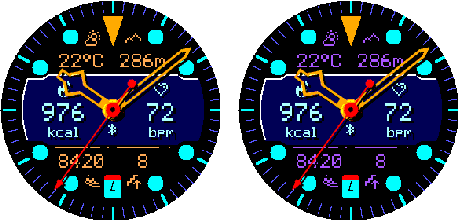
Controls whether values and icons appear below or above the analog hands.
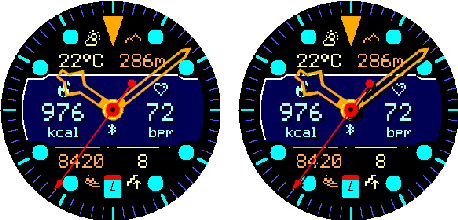
Options: Below Hands and Above Hands. Progress tracks remain behind the hands and use MIP-friendly quarter dots.
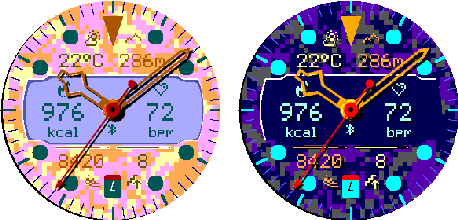
Fig. 1.30 — Data below hands and above hands.
02
On the watch
Data
Six configurable fields, row density, center content, and touch destinations.
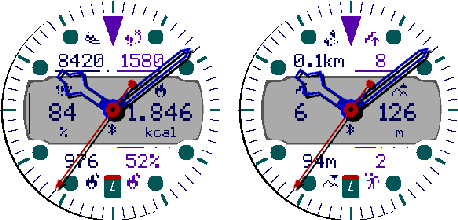
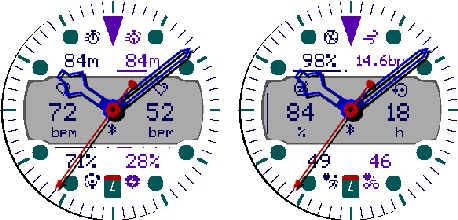
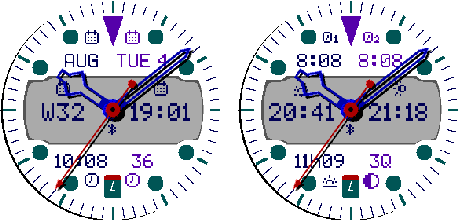
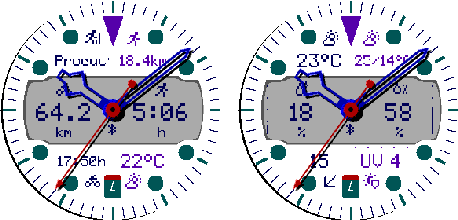
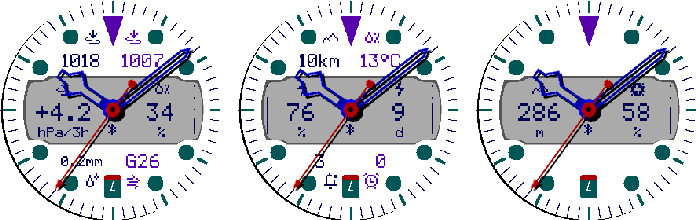
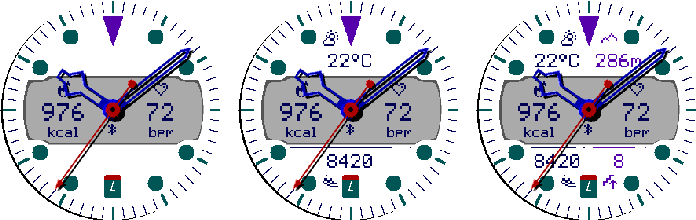
Fig. 2.01 — Daily activity and goal metrics.Fig. 2.02 — Health, recovery, and fitness metrics.Fig. 2.03 — Date, time, and astronomical metrics.Fig. 2.04 — Training and current weather metrics.Fig. 2.05 — Atmosphere, system, and sensor metrics.
2.1
Touch Launch
Enables or disables all six configurable touch shortcuts.
Options: On and Off.
2.2
Top + Bottom Row Mode
Controls how many data fields are visible in each outer row.
Each row offers Off, Single, and Double. Single uses the row as one centered field; Double uses independent left and right fields.
Fig. 2.06 — Top and bottom row modes.
2.3
Six Data Fields
Assigns metrics to Top Left, Top Right, Digital Window Left, Digital Window Right, Bottom Left, and Bottom Right.
Choose from 62 fields grouped into daily activity, health and recovery, date and astronomy, training, weather, sensors, and system information. The figures at the start of this chapter show every selectable metric exactly once in curated combinations.
2.4
Six Launch Actions
Assigns a touch destination to each of the six data positions.
Choose Auto or a compatible Garmin app, glance, complication, or metric destination. The available target still depends on the watch model and installed software.
2.5
Digital Window Center
Selects the content between the left and right digital fields.
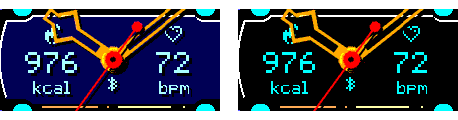
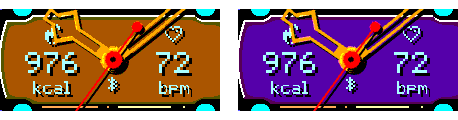
Options: Status, Digital Time, Zulu Time, Date, and Seconds.
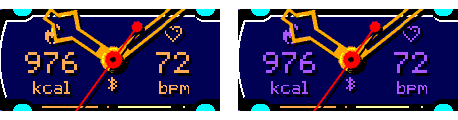
Fig. 2.07 — Status, Time, Zulu, Date, and Seconds.
03
On the watch
Date & Time
Time and date formats, alternate zones, display offset, and AM/PM.
3.1
Time Format
Controls digital-time formatting.
Options: 9:05, 09:05, Military, and Zulu.
Fig. 3.01 — Four time formats.
3.2
Date Format
Controls how date fields are written.
Options: 5.7., 05.07., 5/7, 05/07, 7/5, 07/05, Day Month, Month Day, Weekday Day, and Day Weekday.
Fig. 3.02 — Date formats 1–5.Fig. 3.03 — Date formats 6–10.
3.3
Alternate Time Zones 1 + 2
Sets the offsets used by the two alternate-time data fields.
Each zone runs from UTC−12:00 to UTC+14:00 in 30-minute increments.
3.4
Displayed Time Offset
Moves the displayed local hands and local digital time ahead without changing the device clock.
Options: +0, +5, +10, +15, +20, +25, and +30 minutes. Zulu time remains actual UTC.
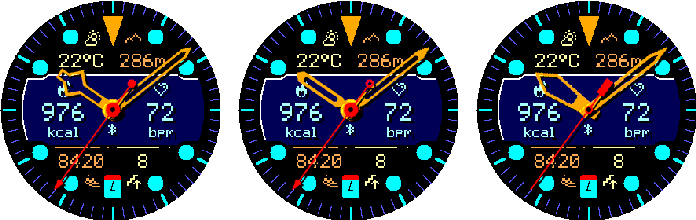
Fig. 3.04 — Displayed offsets 0, 15, and 30 minutes.
3.5
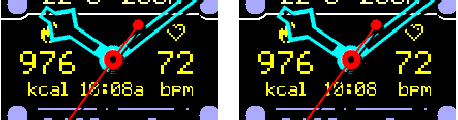
Show AM/PM
Shows or hides the suffix for compatible 12-hour formats.
Options: On and Off.
Fig. 3.05 — AM/PM indicator On and Off.
04
On the watch
Weather
Provider selection, live status, and recovery actions.
4.1
Weather Source
Switches between Garmin Weather and OpenWeatherMap.
OpenWeatherMap requires an API key entered in Connect IQ settings.
4.2
OWM Refresh
Sets the minimum automatic OpenWeatherMap refresh interval.
Options: 15, 30, and 60 minutes.
4.3
Weather Status
Shows the current provider state and latest update result.
This action is read-only.
4.4
Clear Weather Cache
Deletes cached OpenWeatherMap observations and retry state.
4.5
Refresh Data
Requests an immediate data refresh.
Actual delivery still depends on connectivity, permissions, and provider limits.
05
On the watch
Battery
Low-battery behavior threshold.
5.1
Battery Saver Trigger
Chooses when Crosswind MIP switches to its battery-saving behavior.
Options: Off, 5%, 10%, 15%, and 20%.
5.2
Disable AOS in Battery Saver
Turns off always-on seconds while Battery Saver is active.
Options: On and Off. This setting has an effect only when Always-on Seconds is enabled and the battery is at or below the configured Battery Saver Trigger.
06
On the watch
Reset to Defaults
Restores the original Crosswind MIP configuration.
6.1
Confirm or Cancel
Confirm restores all saved appearance, data, date/time, weather, battery, and touch settings; Cancel leaves them unchanged.
01
In the Connect IQ app
Appearance
Customize the watch face colors and layout, including the background, Camo pattern, hands, and element colors.
1.1
Background
Selects a light or dark dial, with or without the three-color Camo pattern.
Sets the second color used by non-uniform outer layouts.
10 colors available.
Fig. 1.29 — Representative secondary colors.
1.18
Data Layer Position
Controls whether values and icons appear below or above the analog hands.
Options: Below Hands and Above Hands. Progress tracks remain behind the hands and use MIP-friendly quarter dots.
Fig. 1.30 — Data below hands and above hands.
02
In the Connect IQ app
Data
Six configurable fields, row density, center content, and touch destinations.
Fig. 2.01 — Daily activity and goal metrics.Fig. 2.02 — Health, recovery, and fitness metrics.Fig. 2.03 — Date, time, and astronomical metrics.Fig. 2.04 — Training and current weather metrics.Fig. 2.05 — Atmosphere, system, and sensor metrics.
2.1
Touch Launch
Enables or disables all six configurable touch shortcuts.
Options: On and Off.
2.2
Top + Bottom Row Mode
Controls how many data fields are visible in each outer row.
Each row offers Off, Single, and Double. Single uses the row as one centered field; Double uses independent left and right fields.
Fig. 2.06 — Top and bottom row modes.
2.3
Six Data Fields
Assigns metrics to Top Left, Top Right, Digital Window Left, Digital Window Right, Bottom Left, and Bottom Right.
Choose from 62 fields grouped into daily activity, health and recovery, date and astronomy, training, weather, sensors, and system information. The figures at the start of this chapter show every selectable metric exactly once in curated combinations.
2.4
Six Launch Actions
Assigns a touch destination to each of the six data positions.
Choose Auto or a compatible Garmin app, glance, complication, or metric destination. The available target still depends on the watch model and installed software.
2.5
Digital Window Center
Selects the content between the left and right digital fields.
Options: Status, Digital Time, Zulu Time, Date, and Seconds.
Fig. 2.07 — Status, Time, Zulu, Date, and Seconds.
03
In the Connect IQ app
Date & Time
Time and date formats, alternate zones, display offset, and AM/PM.
3.1
Time Format
Controls digital-time formatting.
Options: 9:05, 09:05, Military, and Zulu.
Fig. 3.01 — Four time formats.
3.2
Date Format
Controls how date fields are written.
Options: 5.7., 05.07., 5/7, 05/07, 7/5, 07/05, Day Month, Month Day, Weekday Day, and Day Weekday.
Fig. 3.02 — Date formats 1–5.Fig. 3.03 — Date formats 6–10.
3.3
Alternate Time Zones 1 + 2
Sets the offsets used by the two alternate-time data fields.
Each zone runs from UTC−12:00 to UTC+14:00 in 30-minute increments.
3.4
Displayed Time Offset
Moves the displayed local hands and local digital time ahead without changing the device clock.
Options: +0, +5, +10, +15, +20, +25, and +30 minutes. Zulu time remains actual UTC.
Fig. 3.04 — Displayed offsets 0, 15, and 30 minutes.
3.5
Show AM/PM
Shows or hides the suffix for compatible 12-hour formats.
Options: On and Off.
Fig. 3.05 — AM/PM indicator On and Off.
04
In the Connect IQ app
Weather
Provider credentials and automatic refresh timing.
4.1
Weather Source
Switches between Garmin Weather and OpenWeatherMap.
Options: Garmin Weather and OpenWeatherMap.
4.2
OWM API Key
Stores the key used for OpenWeatherMap requests.
Leave it empty when Garmin Weather is selected.
4.3
OWM Refresh
Sets the minimum automatic OpenWeatherMap refresh interval.
Options: 15, 30, and 60 minutes.
05
In the Connect IQ app
Battery
Low-battery behavior threshold.
5.1
Battery Saver Trigger
Chooses when Crosswind MIP switches to its battery-saving behavior.
Options: Off, 5%, 10%, 15%, and 20%.
5.2
Disable AOS in Battery Saver
Turns off always-on seconds while Battery Saver is active.
Options: On and Off. This setting has an effect only when Always-on Seconds is enabled and the battery is at or below the configured Battery Saver Trigger.