
10 built-in theme presets with predefined dial setup


Supported devices57
 Approach® S70 42mmAMOLED · 390 × 390
 Approach® S70 47mmAMOLED · 454 × 454
 Approach® S72 43mmAMOLED · 416 × 416
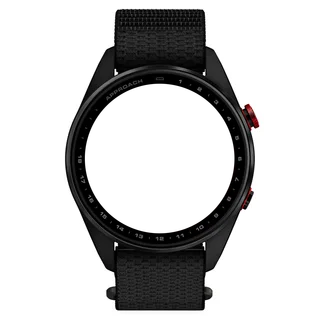 Approach® S72 47mmAMOLED · 454 × 454
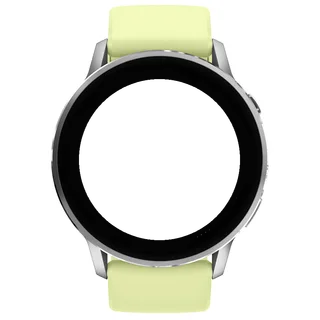 D2™ Air X15AMOLED · 454 × 454
 D2™ Mach 1AMOLED · 416 × 416
 D2™ Mach 1 ProAMOLED · 454 × 454
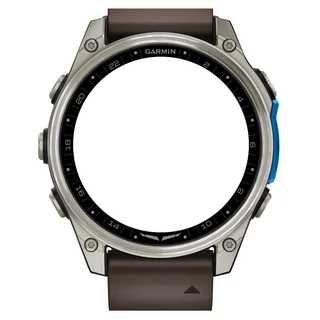 D2™ Mach 2AMOLED · 454 × 454
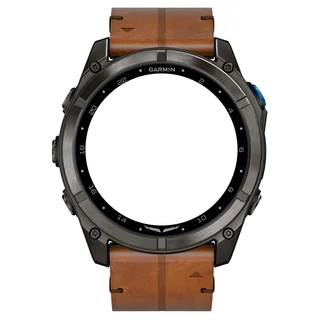 D2™ Mach 2 ProAMOLED · 454 × 454
 Descent™ Mk3 43mmAMOLED · 390 × 390Descent™ Mk3i 43mmAMOLED · 390 × 390
 Descent™ Mk3i 51mmAMOLED · 454 × 454
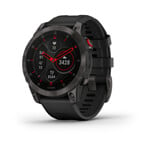 epix™ (Gen 2)AMOLED · 416 × 416
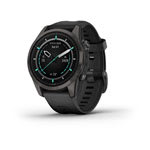 epix™ Pro (Gen 2) 42mmAMOLED · 390 × 390
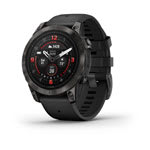 epix™ Pro (Gen 2) 47mmAMOLED · 416 × 416epix™ Pro (Gen 2) 51mmAMOLED · 454 × 454
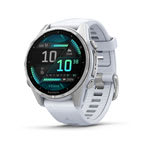 fēnix® 8 43mmAMOLED · 416 × 416
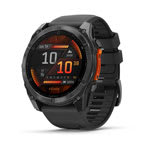 fēnix® 8 47mmAMOLED · 454 × 454fēnix® 8 51mmAMOLED · 454 × 454
 fēnix® 8 Pro 47mmAMOLED · 454 × 454fēnix® 8 Pro 51mmAMOLED · 454 × 454fēnix® 8 Pro MicroLEDAMOLED · 454 × 454
 fēnix® 9 43mmAMOLED · 416 × 416
 fēnix® 9 47mmAMOLED · 454 × 454fēnix® 9 51mmAMOLED · 454 × 454
 fēnix® 9 Pro 43mmAMOLED · 416 × 416
 fēnix® 9 Pro 47mmAMOLED · 454 × 454
 fēnix® 9 Pro 51mmAMOLED · 466 × 466
 fēnix® EAMOLED · 416 × 416
 Forerunner® 170AMOLED · 390 × 390
 Forerunner® 170 MusicAMOLED · 390 × 390
 Forerunner® 265AMOLED · 416 × 416
 Forerunner® 570 42mmAMOLED · 390 × 390
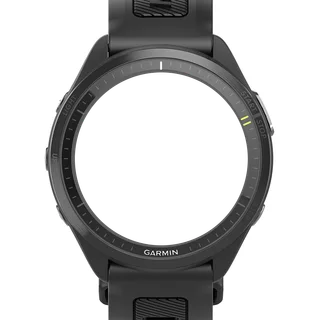 Forerunner® 570 47mmAMOLED · 454 × 454
 Forerunner® 965AMOLED · 454 × 454
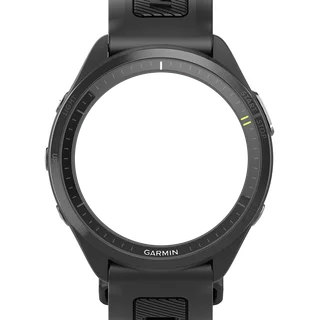 Forerunner® 970AMOLED · 454 × 454
 MARQ® (Gen 2) AdventurerAMOLED · 390 × 390MARQ® (Gen 2) AthleteAMOLED · 390 × 390
 MARQ® (Gen 2) AviatorAMOLED · 390 × 390MARQ® (Gen 2) CaptainAMOLED · 390 × 390MARQ® (Gen 2) Carbon EditionAMOLED · 390 × 390MARQ® (Gen 2) Commander – Carbon EditionAMOLED · 390 × 390MARQ® (Gen 2) GolferAMOLED · 390 × 390quatix® 7 ProAMOLED · 416 × 416quatix® 7 SapphireAMOLED · 416 × 416quatix® 8 47mmAMOLED · 454 × 454quatix® 8 51mmAMOLED · 454 × 454quatix® 8 Pro 47mmAMOLED · 454 × 454quatix® 8 Pro 51mmAMOLED · 454 × 454tactix® 7 – AMOLED EditionAMOLED · 454 × 454tactix® 8 47mmAMOLED · 454 × 454tactix® 8 51mmAMOLED · 454 × 454
 Venu® 3AMOLED · 454 × 454
 Venu® 3SAMOLED · 390 × 390
 Venu® 4 41mmAMOLED · 390 × 390Venu® 4 45mmAMOLED · 454 × 454
 vívoactive® 6AMOLED · 390 × 390
Four configurable data slots with activity, health, training and weather metrics
GMT hand with selectable time zone offset
On the wrist
Photos from TIKKS fans. Share how Alpha Pilot GMT looks on your watch.
User guide
Appearance
Settings > Appearance
1.1
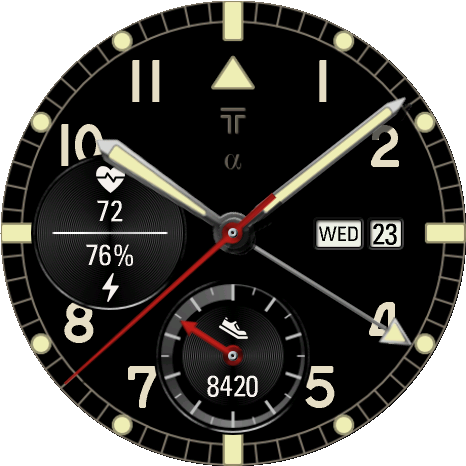
Preset (overwrites look)
Each press applies the next preset: 10 themes, then Original Default.
Reset to Defaults applies Original Default. Presets do not change Custom HEX colors or Always-On settings.
Paddy1 / 11
1.2
Dial
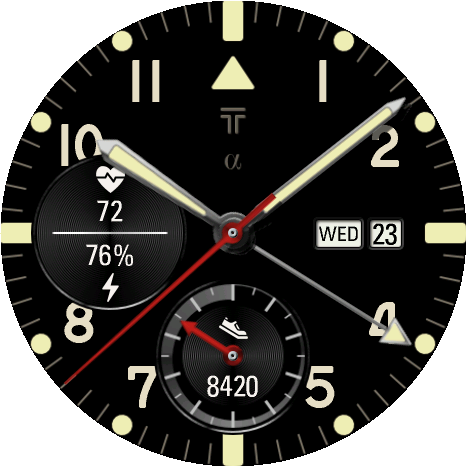
Background: Black (default), Graphite, Brushed Steel, Blued Steel, Green Steel, Custom Background.
Custom Background Color tints the dial only when Background is Custom Background.
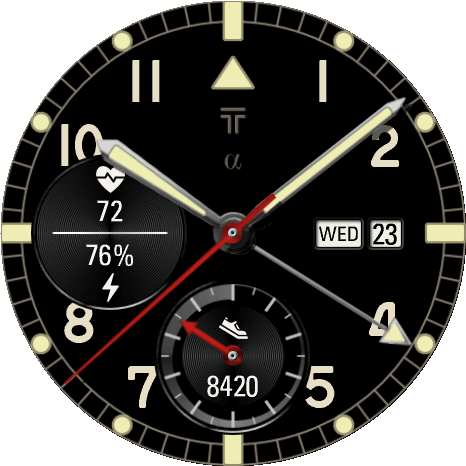
Scale Style: 10 styles, default Rail. Index Digits: 10 patterns, default 1-11. Index Digit Font: Classic (default), Technical, Stencil, Condensed, Bold.
Value Layer: Below Hands (default), Date Above, All Above.
Black1 / 4
Classic1 / 3
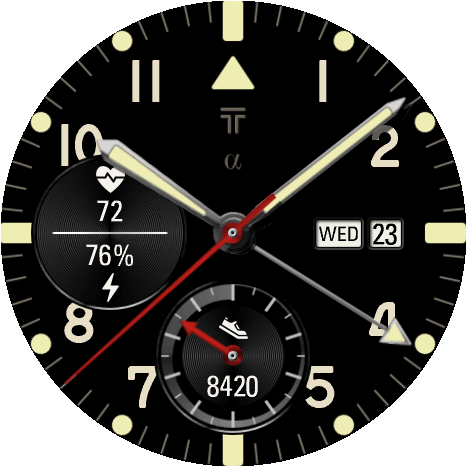
1-11, Classic font1 / 3
1.3
Colors
Select a color item, then Day or Night, then a category: Basic, Metals, Lacquer, Toned Steel, Lume, Accent or Custom.
Each press on a category moves to its next color. Custom holds the eight Custom HEX colors set in the Connect IQ app.
Color items: Custom Background Color, Scale Color 1, Scale Color 2, Index Digits Color and Field Color in Dial; Hands Color, GMT Hand Color, Second Hand Color and Hand Fill Color in Hands.
1.4
Hands
Hand Style: Sword (default), Pilot, Baton, Pencil, Skeleton.
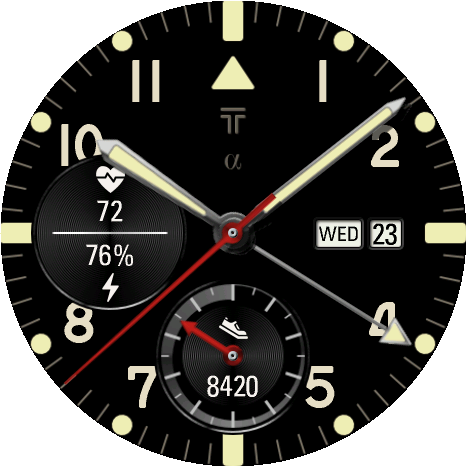
Sword1 / 3
1.5
Day/Night Schedule
Sets when Night colors are used. Options: AOD only, Always on (day color), Auto (Sleep Time), Auto (Sleep Time -2h), Auto (Sunset to Sunrise) (default).
Data Fields
Settings > Data Fields
2.1
Top, Left, Right and Bottom Slot
Mode: Off, Single or Dual. Right Slot also offers Date Display.
Defaults: Top Off, Left Dual, Right Date Display, Bottom Single.
Field Type sets the value; Field Type 2 is the second value in Dual. AOD Mode: On (default) or Off for that slot.
Date Display (Right Slot): Date or Weekday + Date (default).
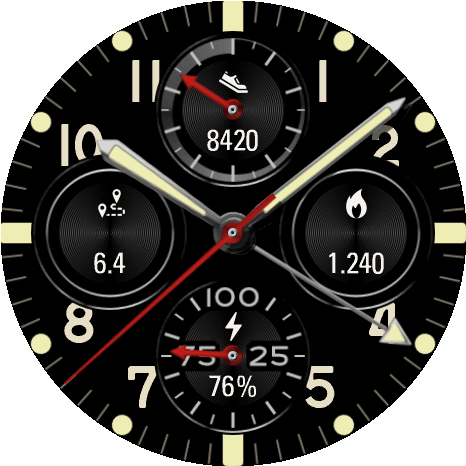
Activity1 / 4
2.2
Field Type
Select a category; each press moves to its next field.
Activity: Steps, Calories, Active Calories, Distance, Floors, Steps To Goal, Active Day, Active Week, Move Bar. Health: Heart Rate, Body Battery, Stress, Pulse Ox, Respiration.
Time: Month, Weekday, Week Number, Time, Alt Time Zone, Sunrise / Sunset, Dawn / Dusk, Moon Phase. Training: Recovery Time, VO2 Max (Run), VO2 Max (Bike), Week Run Dist, Week Bike Dist, Week Run Time, Week Bike Time, Golf Last Round.
Weather: Weather, Temperature, Feels Like, Temp. min/max, Precip Chance, Humidity, Wind, UV, Pressure. System: Battery, Battery Days, Notifications, Altitude.
2.3
Touch Launch
Options: On, Complications Only (default), Off.
Time
Settings > Time
3.1
GMT Hand and time zones
GMT Hand (default On) makes one turn in 24 hours to show the hour in GMT Time Zone (default UTC+00:00).
Alt Time Zone sets the Alt Time Zone field and follows GMT Time Zone until you change it. Offsets run from UTC-12:00 to UTC+14:00 in 30-minute steps.
3.2
Displayed Time Offset
Runs the displayed time ahead: +0 min (default) to +30 min in 5-minute steps.
The hands and time fields move forward; the watch system clock does not change.
Show AM/PM: Off (default) or On.
Always-On
Settings > Always-On
4.1
AOD Mode
Options: Full (default) shows a simplified face; Minimal shows a reduced clock.
Each slot has its own AOD Mode in Data Fields.
4.2
AOD Color Mode and dimming
AOD Color Mode: Force Night (default), Force Day, Auto. Auto follows Day/Night Schedule.
AOD Hand Dim (default Very Low), AOD Scale Dim (default Low) and AOD Values Dim (default Medium) each offer Very Low, Low, Medium, High and Very High.
AOD Outline and Pixel Shift: Off (default) or On.
Weather
Settings > Weather
5.1
Weather Source
Options: Garmin (default), OpenWeatherMap.
OpenWeatherMap needs a location and an OWM API Key entered in the Connect IQ app. OWM Refresh: 15, 30 (default) or 60 min.
OWM Status and OWM Last Sync show the sync state. Clear OWM Cache removes cached data; Refresh Data reloads displayed fields.
FAQ
6.1
Why does a field show -- or remain blank?
-- means the metric has no value, for example Golf Last Round when Garmin reports no score. A blank slot has Mode set to Off, or AOD Mode set to Off in Always-On.
6.2
Why does OpenWeatherMap weather not update?
Check OWM Status under Weather: it shows problems such as OWM API key missing, Invalid API key or Waiting for location.
Data Fields
1.1
Slots
Each slot has Mode, Field, Field 2 and AOD Mode; the eight field selectors are marked with *.
Mode: Off, Single or Dual. Right Slot Mode also offers Date Display. Defaults: Top Off, Left Dual, Right Date Display, Bottom Single.
Field 2 is the second value in Dual. Date Display: Date or Weekday + Date (default). Slot AOD Mode: On (default) or Off.
Fields cover activity, health, time, training, weather and system metrics.
Activity1 / 4
1.2
Touch Launch
Options: On, Complications Only (default), Off.
Appearance
2.1
Preset (overwrites look)
Select a preset and save to apply it once; the selector then returns to Choose preset (no change).
Original Default restores the default look. Presets do not change Custom HEX colors or Always-On settings.
Paddy1 / 11
2.2
Dial
Background: Black (default), Graphite, Brushed Steel, Blued Steel, Green Steel, Custom Background.
Custom Background Color (Day/Night) applies only when Background is Custom Background.
Scale Style: 10 styles, default Rail. Numeral Pattern: 10 patterns, default 1-11. Numeral Font: Classic (default), Technical, Stencil, Condensed, Bold.
Scale Color 1, Scale Color 2, Index Digits Color and Field Color each have Day and Night selectors. Value Layer: Below Hands (default), Date Above, All Above.
Black1 / 4
Classic1 / 3
1-11, Classic font1 / 3
2.3
Hands
Hand Style: Sword (default), Pilot, Baton, Pencil, Skeleton.
Hour/Minute Hand Color, GMT Hand Color, Second/Slot Hand Color and Hand Fill Color each have Day and Night selectors.
Sword1 / 3
2.4
Custom HEX colors
Custom HEX Color 1–8 accept six-digit RRGGBB values, for example 00FF80.
Choose Custom HEX color 1–8 in any Day or Night color selector to use them.
2.5
Day/Night Schedule
Sets when Night colors are used. Options: AOD only, Always on (day color), Auto (Sleep Time), Auto (Sleep Time -2h), Auto (Sunset to Sunrise) (default).
Time
3.1
GMT Hand and time zones
GMT Hand (default On) makes one turn in 24 hours to show the hour in GMT Time Zone (default UTC+00:00).
Alt Time Zone sets the Alt Time Zone field. Offsets run from UTC-12:00 to UTC+14:00 in 30-minute steps.
3.2
Displayed Time Offset
Runs the displayed time ahead: +0 min (default) to +30 min in 5-minute steps.
The hands and time fields move forward; the watch system clock does not change.
Show AM/PM: Off (default) or On.
Always-On
4.1
AOD Mode
Options: Full (default) shows a simplified face; Minimal shows a reduced clock.
Each slot has its own AOD Mode in Data Fields.
4.2
AOD Color Mode and dimming
AOD Color Mode: Force Night (default), Force Day, Auto. Auto follows Day/Night Schedule.
AOD Hand Dim (default Very Low), AOD Scale Dim (default Low) and AOD Values Dim (default Medium) each offer Very Low, Low, Medium, High and Very High.
AOD Outline and Pixel Shift: Off (default) or On.
Weather
5.1
Weather Source
Options: Garmin (default), OpenWeatherMap.
OpenWeatherMap needs a location and your key in OWM API Key. OWM Refresh: 15, 30 (default) or 60 min.
FAQ
6.1
Why does a field show -- or remain blank?
-- means the metric has no value, for example Golf Last Round when Garmin reports no score. A blank slot has Mode set to Off, or its AOD Mode set to Off in Always-On.